True GPU Rounded-Corner Blur
Captures the live Clutter stage framebuffer into an offscreen Cogl pipeline with an analytical SDF squircle mask so blur never bleeds outside rounded corners.
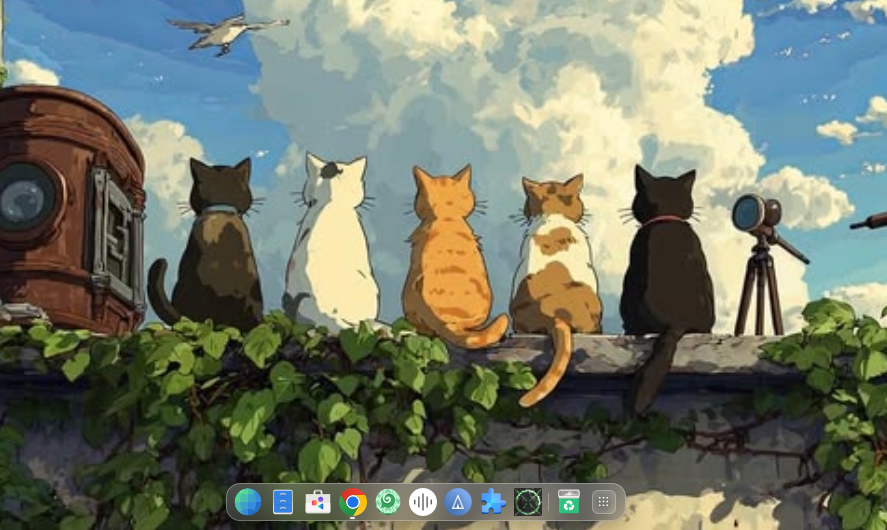
A compact squircle-pill dock with real GPU stage-framebuffer blur, crisp 28px jewel icons, hairline split zones, cosine hover magnification, and precision intellihide.
gnome-extensions enable tanahdock@tanahdock.app
gnome-extensions prefs tanahdock@tanahdock.app
gsettings reset-recursively org.gnome.shell.extensions.tanahdock || true
Captures the live Clutter stage framebuffer into an offscreen Cogl pipeline with an analytical SDF squircle mask so blur never bleeds outside rounded corners.
Tuned out of the box for clean iPadOS-inspired density: 28px icons, 5px vertical hug, 14px continuous squircle curvature, and an auto-hiding 1px hairline divider.
Silky cosine-bell neighbor magnification blooms icons smoothly under your cursor, paired with a gentle two-stage launch bounce respecting GNOME reduced-motion.
Debounced Mtk.Rectangle window overlap dodging across Intellihide, Dodge Active, Dodge Maximized, Always Visible struts, and Overview-only modes.
Drag to reorder favorites, pin running or App Grid icons directly into the pill, drop files onto apps or Trash, and eject removable volumes in one click.
Native GTK4 and Adwaita settings window with 6 instant presets, JSON profile import and export with schema validation, and Super + 1..9 shortcuts.